
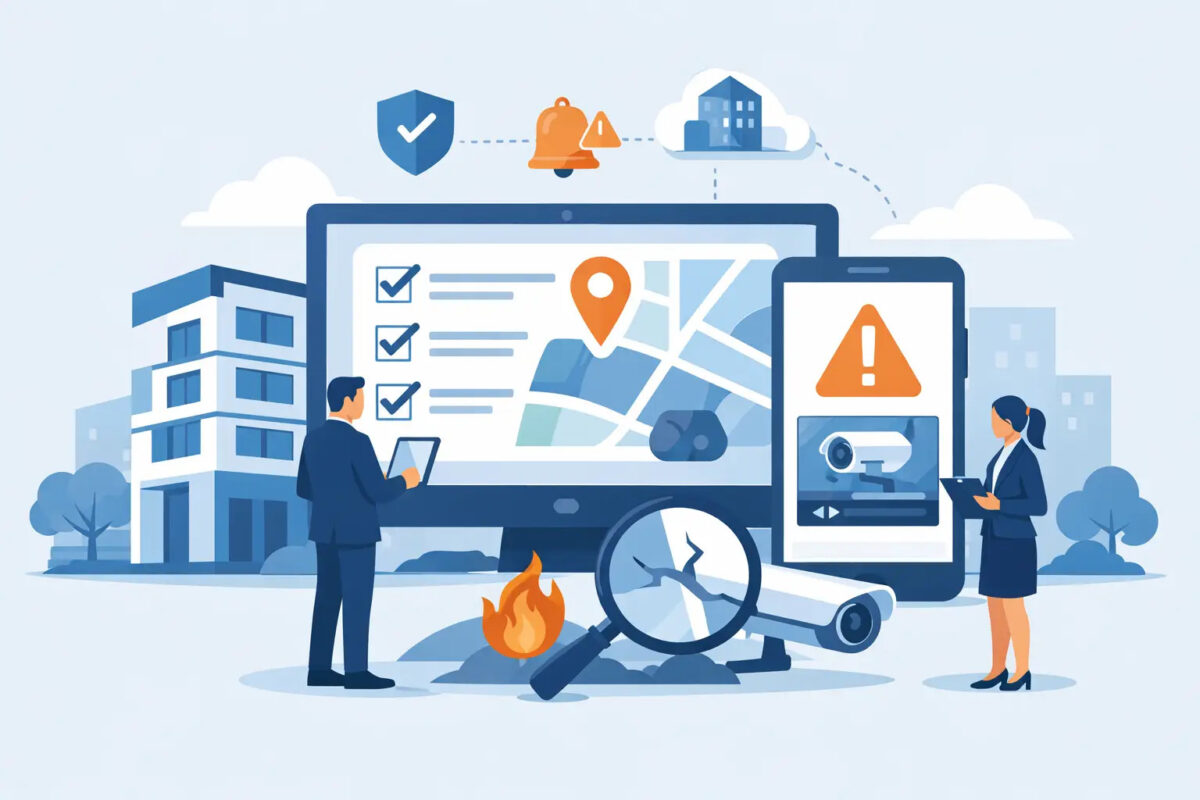

A damaged handrail at a station, a leaking ceiling in a civic building or an unsecured access point at an airport can become a serious problem long before it reaches a monthly report. Yet in many multi-site operations, the first record is still a paper form, an email or a message passed between shifts. Property incident reporting software gives frontline teams a practical way to record what happened, where it happened and what needs to happen next while the detail is still clear.
For property, facilities and compliance leaders, the objective is not simply to collect more reports. It is to spot issues early before they escalate, direct the right action to the right person and retain evidence that the organisation acted reasonably. The system only delivers those outcomes if people can use it during a busy shift, on a live site and, where necessary, without a reliable signal.
Why property incidents are often poorly controlled
Property-related incidents rarely sit neatly with one department. A member of station staff may identify a damaged floor surface. A cleaning contractor may report a blocked fire exit. A facilities manager may need to arrange repairs, while the health and safety team needs to assess the risk and the assurance team needs evidence that the matter was closed correctly.
When those steps rely on separate spreadsheets, inboxes and paper files, responsibility becomes blurred. Reports arrive late or without photographs. Similar faults are recorded differently at different locations. Actions are raised but not chased. By the time a senior manager sees a trend, the organisation may already be dealing with repeat complaints, service disruption, an injury or a claim.
The risk is particularly acute in public-facing and regulated environments. An isolated defect may appear minor, but a pattern of unaddressed defects can point to weak inspection, poor maintenance control or inadequate oversight. If an incident is investigated later, it is not enough to say that someone was told. Organisations need a clear, time-stamped account of the report, risk assessment, assigned action, updates and closure decision.
What property incident reporting software should achieve
Effective property incident reporting software turns a report into a managed workflow rather than a static record. A colleague should be able to select the location, incident type and severity, add a concise description and attach photographs from a mobile device. The report should then reach the people responsible for assessing and resolving it.
That sounds straightforward, but configuration matters. A report about vandalism, a water leak, a structural concern and a lost key do not require identical questions or escalation routes. A practical platform allows organisations to reflect their own categories, terminology, approval stages and reporting responsibilities without forcing teams to redesign their processes around generic software.
The best approach also distinguishes between immediate safety controls and longer-term repairs. For example, a reporter may confirm that an area has been cordoned off or a warning sign installed, while a maintenance team receives a separate corrective action with a due date. This prevents a temporary control from being mistaken for a completed repair.
Mobile reporting has to suit the working day
Frontline adoption determines the quality of the data. If reporting takes ten minutes, requires a desktop login or depends on a strong connection, many issues will be reported later, incompletely or not at all. That leaves managers with a misleading picture of site conditions.
Simple mobile tools that people actually use should make the essential information quick to capture. Location lists, mandatory fields for critical details, photo evidence and clear status updates all help. Offline capability is equally valuable for rail infrastructure, remote estates, plant rooms and other areas where connectivity cannot be assumed. Staff should be able to record the issue at the point of discovery and synchronise it when a connection returns.
Ease of use should not mean weak control. Required fields can ensure that high-risk reports contain the information needed for a prompt decision, while role-based permissions can limit who can alter categories, close actions or view sensitive incident details.
Actions need owners, deadlines and evidence
A report without a visible next step is simply a better-organised problem. The software should assign actions to named individuals or teams, set target dates and notify those responsible when work is overdue. Managers need to see not only how many incidents have been logged, but which ones remain open, where bottlenecks are developing and whether critical actions are being completed on time.
Evidence at closure is just as important. Depending on the issue, this could include a repair photograph, contractor documentation, an inspection result or a manager’s verification. The audit trail should show who made each update and when. That creates a defensible record for internal assurance, client reviews, audits, enforcement enquiries and claims management.
There is a balance to strike. Not every cracked tile needs the same approval route as an unsafe structure or fire safety breach. A configurable severity model allows low-risk defects to move quickly while automatically escalating incidents that demand senior oversight. The right thresholds depend on the estate, contractual obligations and risk profile, so they should be agreed with the people who run the operation, not imposed as a standard template.
Connecting property incidents with wider assurance
Property incident data is more useful when it is connected to inspections, audits, hazards and maintenance activity. Repeated reports of poor lighting at one location, for instance, may indicate a missed planned-maintenance task, a contractor performance issue or an inspection regime that needs attention.
A shared platform can bring those signals together. Inspectors can raise a defect during a routine check. Local teams can report the same issue between inspections. Managers can see whether the action has been completed and whether similar problems are recurring elsewhere. This reduces duplicate administration and helps teams focus on causes rather than repeatedly treating symptoms.
For multi-site organisations, standardisation is a major benefit. A local authority may have varied building types, while an airport or rail operator may have hundreds of operational locations with different access arrangements. The reporting process should be consistent enough to create comparable data, yet flexible enough to account for local risks and responsibilities.
Dashboards should support that balance. Senior leaders may need a view of overdue high-risk actions, incident volumes by region and recurring categories. Property managers may need open defects by building, contractor or asset type. Local supervisors need a simple list of what requires attention today. A useful dashboard answers a decision, rather than producing charts for their own sake.
Questions to ask before choosing a system
The most suitable system is not necessarily the one with the longest feature list. Start with the reporting journey: who identifies an issue, what information they can realistically provide, who makes the first decision and how work is then controlled. Testing this process with station staff, inspectors, cleaners, engineers and local managers will reveal practical obstacles early.
Ask whether forms, workflows and terminology can be configured without costly bespoke development. Check how the system works offline, how photographs and location data are handled, and whether it can support contractors as well as directly employed teams. Confirm that audit history cannot be lost through routine edits, and that reporting can separate closed cases from overdue actions.
Implementation support also matters. A platform can be straightforward to use while still needing thoughtful setup around categories, escalation rules and management reporting. Direct support from people who understand operational reporting can shorten that process and avoid a system that looks good in demonstration but creates workarounds on site.
A-N-T’s configurable mobile reporting tools are designed around this reality: give frontline teams a quick, structured way to raise issues, then give managers the visibility to control actions and demonstrate assurance.
Make reporting part of normal operations
The strongest reporting culture is not built through reminders alone. It develops when people see that reporting an issue leads to a visible response. Staff who can submit a clear report in moments, receive updates and see hazards corrected are more likely to use the process again. Managers, in turn, gain earlier warning of risks that would otherwise remain hidden in local conversations or scattered paperwork.
Start with the incidents that currently create the most delay, uncertainty or repeat work. Build a reporting process around the people who encounter them first, make ownership clear and review the trends regularly. That is how property reporting becomes more than a compliance exercise: it becomes a dependable way to protect people, premises and the organisation’s reputation.